Bud presence · the bell
Bud bell
when the operating system needs a person.
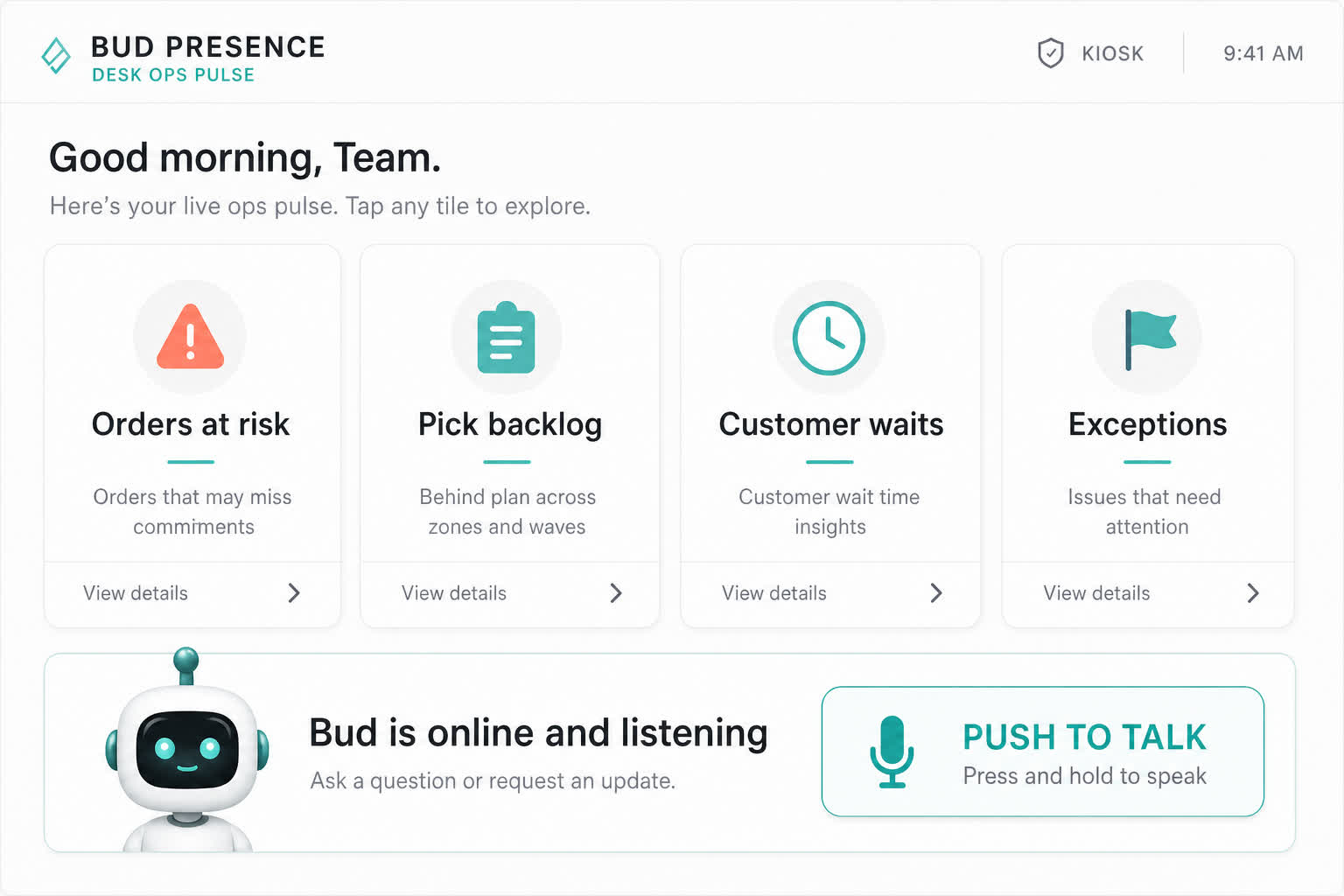
Bud is not a mascot on a website. The bell is the moment the system stops being silent: an exception, a waiting item, someone to contact, a process event that needs a human in the loop.
What the bell is for
After a BNI introduction, the operator still has a day job. They cannot watch two ledgers and a warehouse screen. Bud sits in the operating system and the bell is how that presence asks for a person: not another dashboard tile that goes stale.
- Exceptions that need attention, not a silent fail.
- Waiting items — a human-in-the-loop step parked until someone chooses an outlet.
- People to contact when the process cannot continue without them.
- Process events: a payment posted, a run failed, a duplicate treated as success.
In the Flow Designer palette
Operators can add Ring Bud Bell from the Do folder of the process canvas. It is a real palette node (do.ring_bud_bell): ring a registered Bud Bell via MQTT. Publish checks the bell exists for that tenant. A test fire can ding once. That is Givers Gain in the machinery — the referring member’s client gets a physical or presence cue when the process needs them, instead of a developer Slack message.
Presence, not a chatbot
What is the Bud bell?
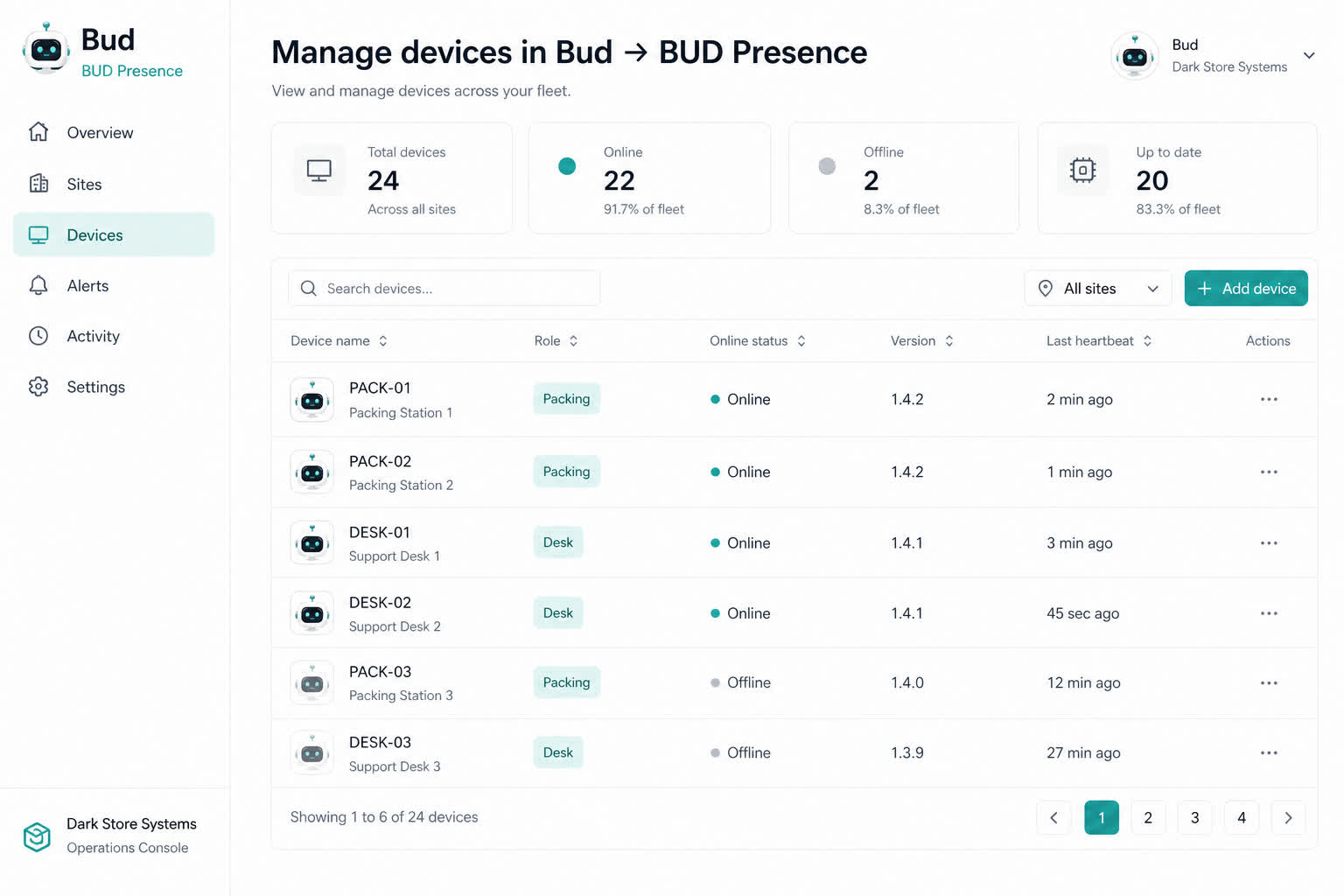
Bud bell is how the operating system gets a person’s attention: exceptions, waiting items, people to contact, and process events. In the product it is both a presence surface and a Flow Designer action that can ring a registered Bud Bell.
Why would a BNI-referred operator care?
A referral that still depends on someone noticing a spreadsheet is unfinished. Building Relationships after the meeting means the system tells the right person when work is waiting.
We build systems that power growth.
AI agents, integrations and operational software—built around your business.